
Disney+ Error Code 73 in Australia: It’s a Location Check, Not a Ban
You settle in for a movie, open Disney+, and instead get “This content isn’t available to watch in your current location” with Error Code 73. Here’s the good news: Disney+ works perfectly fine in Australia, so this almost never means you’ve been blocked. It means something is making Disney+ think you’re somewhere you’re not. Let’s sort it out.
Quick Answer
Disney+ error 73 is a location error. Disney+ couldn’t confirm you’re in a supported country. Since Disney+ is available in Australia, the cause is usually a VPN, proxy, smart-DNS, or location setting making your connection look overseas. The fastest fix: turn off any VPN, switch location services on, then fully close and reopen the app.
Error 73 at a glance
What’s actually going on
Every time you press play, Disney+ does a quick location check. If what it sees doesn’t match a supported region, it stops with error 73 — even when you’re sitting in your living room in Sydney or Perth.
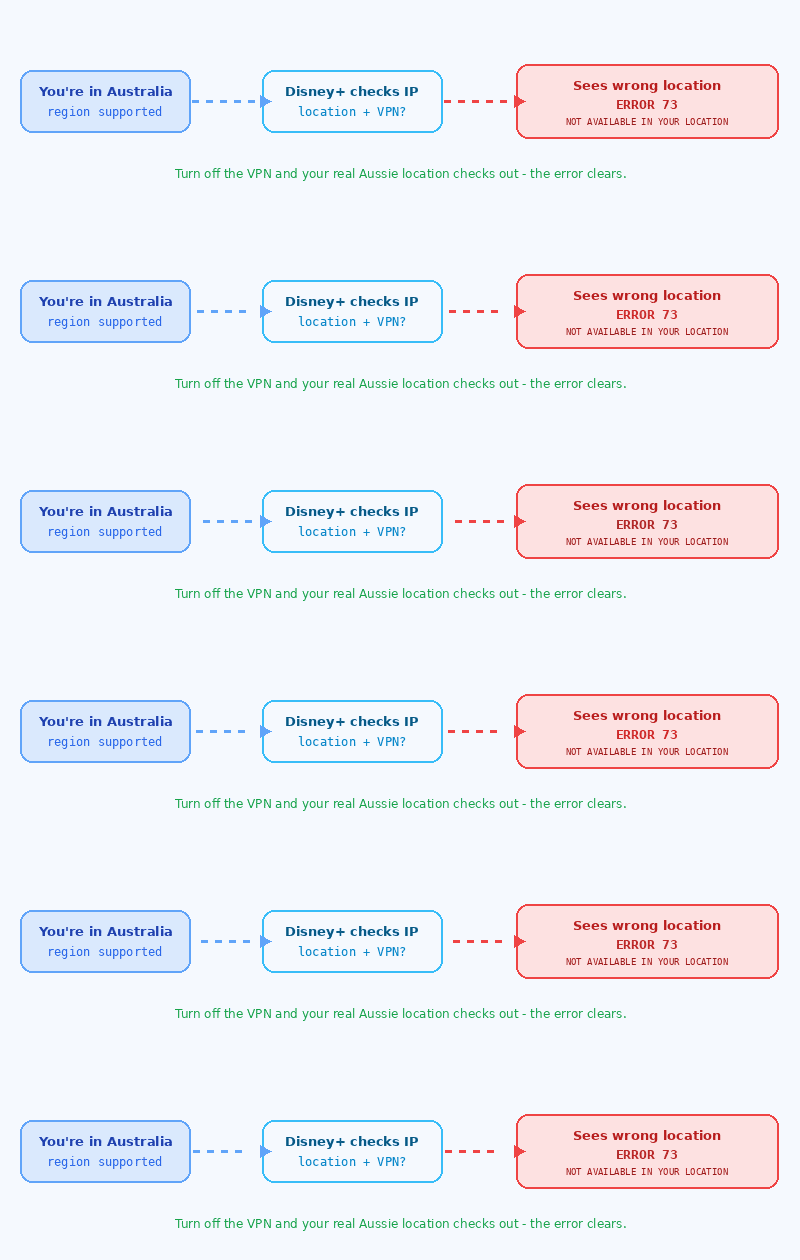
Why you’re seeing it (Australia edition)
The fix, step by step
Run through these in order. Most people are sorted by step 3.
Fast fixes by device
Frequently asked questions
What does Disney+ error code 73 mean in Australia?
It’s a location error: “This content isn’t available to watch in your current location.” Disney+ couldn’t confirm you’re in a supported region. Since Disney+ works in Australia, it almost always means a VPN, proxy, or location setting is making the app think you’re elsewhere.
Is Disney+ available in Australia?
Yes — Disney+ launched in Australia in November 2019 and is fully available. So error 73 here is a location-detection glitch, not a sign the service is blocked.
Why do I get error 73 even without a VPN?
Your mobile carrier or ISP may route traffic through an offshore-looking gateway, location services might be off, or a public Wi-Fi network may be filtering traffic. A leftover smart-DNS setting can also trigger it.
Will a VPN fix error 73 in Australia?
No — in Australia a VPN is usually the cause, not the cure. Because you’re already in a supported region, the simplest fix is to switch the VPN off and restart the app.
I got error 73 after returning from overseas. How do I fix it?
Force-close the Disney+ app completely and reopen it so it refreshes your location. Restarting your router for a fresh IP also helps clear the cached overseas location.
Bottom line
Error 73 looks scary, but in Australia it’s rarely serious. Disney+ simply couldn’t verify your location.
Turn off any VPN, switch location services on, and fully relaunch the app — and you’ll be back to streaming in minutes.
If it lingers, a quick router restart or a message to Disney+ support will finish the job.
· Streaming & Player Errors | Last updated June 13, 2026

Pingback: Shaka Error 4000 (web_4000) Fix: UNABLE_TO_GUESS_MANIFEST_TYPE