
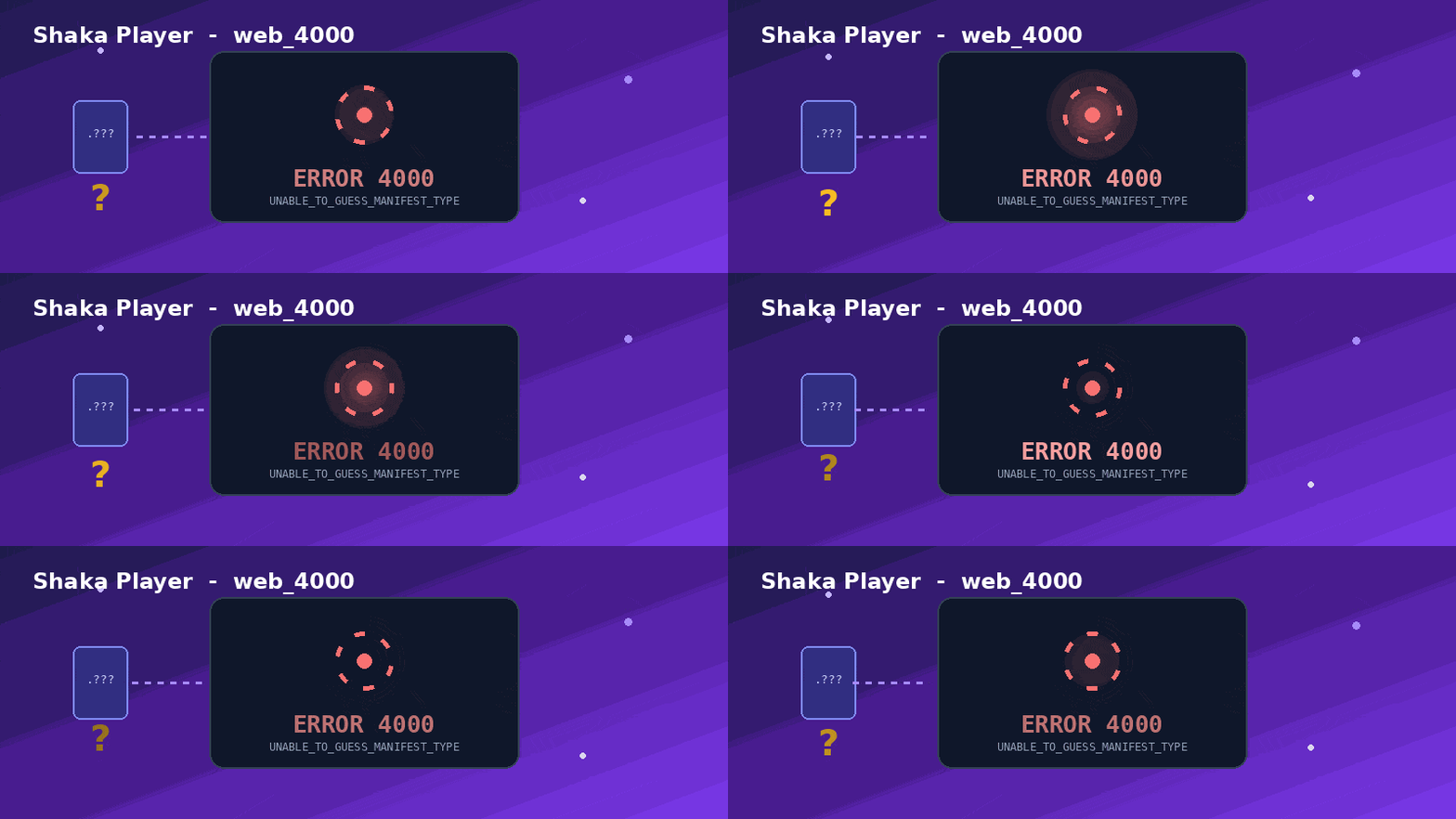
Shaka Error 4000 (web_4000): The Plain-English Fix for UNABLE_TO_GUESS_MANIFEST_TYPE
You hit play, the screen goes dark, and instead of your video you get web_4000 or Shaka error 4000. Frustrating— but harmless, and usually quick to fix. This guide explains what the error actually means in everyday language, then walks you through the fixes twice: once for regular viewers, and once for developers wiring up Shaka Player.
Quick Answer
Shaka error 4000 means the player couldn’t tell whether your stream is DASH or HLS.
It looked at the link’s file extension and the server’s Content-Type header, recognized neither, and stopped before playback. The fastest fix is to make sure you’re loading a real manifest file (a link ending in .mpd or.m3u8) and not a redirect, a login page, or an expired link.
Error 4000 at a glance
How Shaka decides — and where 4000 happens
Before any video plays, Shaka has to answer one question: “What kind of stream is this?” It checks the link, then the server’s headers. If both come back blank, it gives up with error 4000.
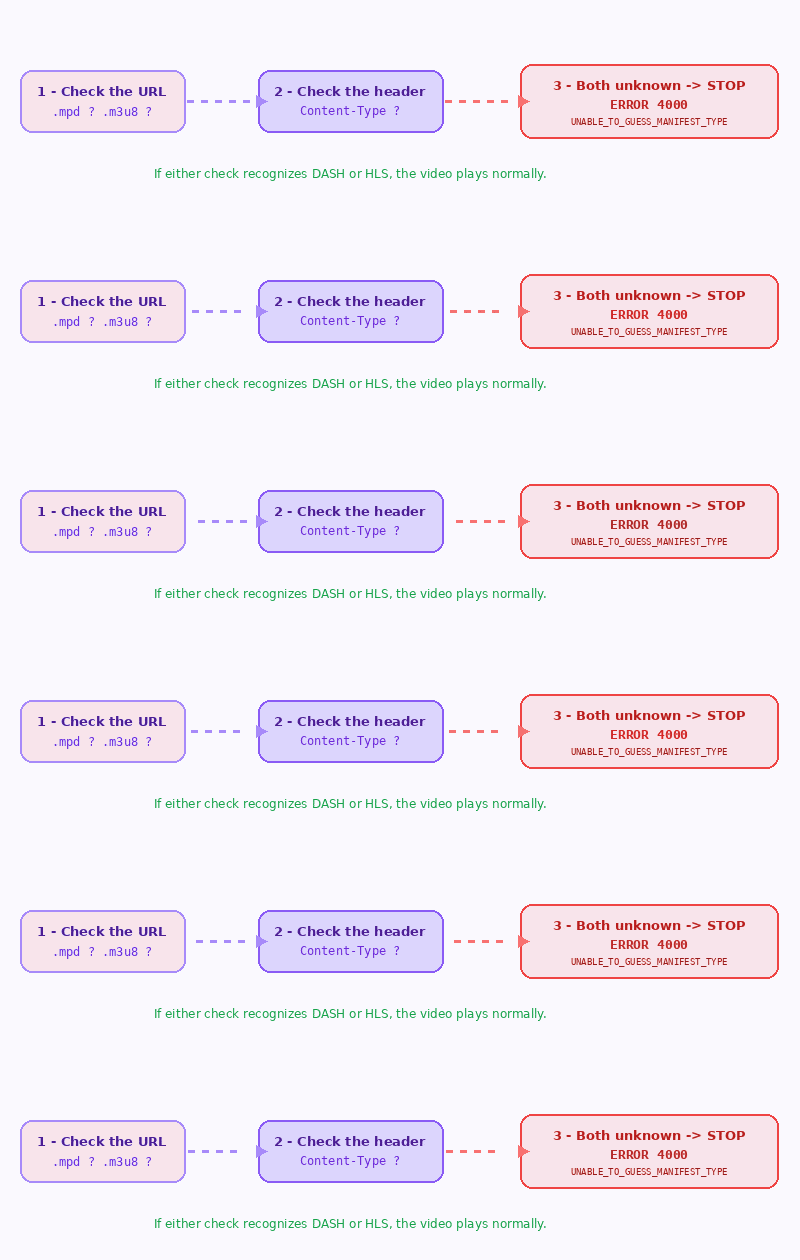
What triggers web_4000
For viewers
Fix it without touching code
If you’re just trying to watch something, the problem is almost always the link, not your device. Try these in order:
Ctrl + F5 (or Cmd + Shift + R on Mac). A stale page often re-loads cleanly.For developers
Fix it at the source
Shaka’s own docs spell out three official fixes: rename the manifest to a known extension, send a recognizable
Content-Type, or accept a HEAD request so the type can be sniffed. Here’s how that plays out in practice.
Error 1033 Cloudflare Tunnel Error Home Assistant : Quick Fix
1 · Send the right Content-Type header
Configure your server (or CDN) so the manifest responds with the correct MIME type:
# DASH manifest
Content-Type: application/dash+xml

# HLS manifest
Content-Type: application/vnd.apple.mpegurl
2 · Tell load() the type directly
If you can’t change the server, pass the MIME type as the third argument so Shaka skips the guessing step entirely:
// DASH
await player.load(manifestUri, null, 'application/dash+xml');

// HLS
await player.load(manifestUri, null, 'application/vnd.apple.mpegurl');
3 · Use the final URL, not a redirect
A very common 4000 trap: the link redirects to the real .mpd/.m3u8, and the redirect strips the type clue. Resolve it to the final manifest URL and load that one directly.
4 · Confirm it’s actually a supported format
Shaka natively handles DASH and HLS only. A bare MP4, a WebM, or Smooth Streaming (.ism) won’t be auto-detected. Either repackage to DASH/HLS or load the MP4 directly with its MIME type.
category: 4, code: 4000, and data[0] holds the exact manifest URI Shaka tried to load — paste that URL straight into a new tab to see what really comes back.Manifest cheat sheet
Frequently asked questions
What does Shaka error 4000 (web_4000) mean?
It’s the UNABLE_TO_GUESS_MANIFEST_TYPE error. The player couldn’t tell whether your stream is DASH or HLS from the file extension or the server’s Content-Type header, so it stopped before playback.
Is web_4000 a virus or account problem?
No. It’s a streaming-player error, not malware and not a ban. It only means the player couldn’t recognize the format of the video link it received.
How do I fix it as a normal viewer?
Refresh the page, try an updated browser, clear the cache, and make sure your link or playlist hasn’t expired. For IPTV or third-party links, the source is usually the culprit — not your device.
Which formats does Shaka Player support?
Natively, DASH (.mpd) and HLS (.m3u8). Smooth Streaming (.ism/.isml) and a raw MP4 behind a redirect aren’t auto-detected and can trigger 4000.
Why does the error mention a “manifest”?
A manifest is the small playlist file (.mpd or .m3u8) listing the video and audio segments. Shaka loads it first; if it can’t identify that file, it never reaches the actual video and shows 4000.
Bottom line
Error 4000 isn’t a dead end — it’s the player saying “I don’t know what this stream is.” Viewers: refresh, switch browsers, and check that the link still works. Developers: send the right Content-Type, pass the MIME type to load(), and avoid redirects that hide the manifest. Do that and web_4000 disappears for good.
· Streaming & Player Errors | Last updated June 13, 2026

Pingback: Kimi Coding Plan & Subscription – Plans & Pricing (2026) - Technical Help, Support and Guidance