
YouTube playback errors inside the Brave browser can be frustrating, especially when videos stop loading with the message “An Error Occurred.”
This guide explains the most common causes, practical fixes, and expert recommendations to help users restore smooth streaming.
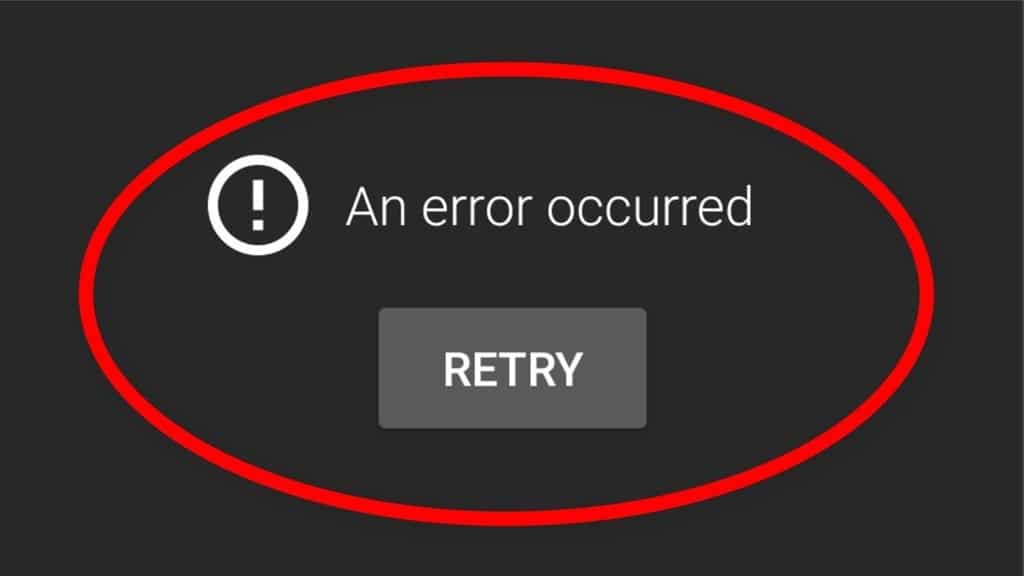
Why This Error Happens
- Corrupted browser cache or cookies
- Aggressive Brave Shields blocking YouTube scripts
- VPN or DNS conflicts
- Outdated Brave browser version
- Hardware acceleration problems
- Conflicting extensions
Also Read : How to Fix Error Cinvubgollkin | Step-by-Step Fixes
Quick Troubleshooting Table
Problem |
Likely Cause |
Best Fix |
| Video not loading | Blocked scripts | Disable Brave Shields |
| Black screen | Hardware acceleration | Turn acceleration off |
| Buffering forever | DNS/VPN issue | Switch DNS server |
| Random crashes | Old browser version | Update Brave browser |
| Login problems | Corrupted cookies | Clear cookies and cache |
Step-by-Step Fixes
- Disable Brave Shields for YouTube
Click the Brave lion icon near the address bar and temporarily disable Shields for YouTube. Many playback issues are caused by blocked scripts or trackers. - Clear Cache and Cookies
Open Settings → Privacy and Security → Clear Browsing Data. Remove cached files and cookies related to YouTube and Google services. - Update Brave Browser
Using outdated versions can trigger compatibility issues with modern YouTube features. Go to brave://settings/help to update. - Disable Extensions
Ad blockers, VPNs, or privacy extensions sometimes interfere with YouTube playback. Disable extensions one by one to identify the conflict. - Turn Off Hardware Acceleration
Navigate to Settings → System and disable hardware acceleration. Restart the browser afterward.
Expert Tips & Opinions
- Privacy-focused browsers sometimes block essential media scripts by default.
- YouTube playback is more stable when Brave is updated regularly.
- Using fewer extensions improves browser performance and reduces conflicts.
- Switching from public VPN servers often solves regional playback issues.
Final Thoughts
Most “An Error Occurred” issues on YouTube inside Brave can be fixed within minutes. The most effective solution is usually disabling Shields temporarily or clearing browser cache. Keeping Brave updated and avoiding extension conflicts also helps maintain stable playback.

Pingback: 35+ Award-Winning Science Fair Ideas for 7th Grade (2026 Guide)